Registering an Application
Registration procedure
- Log in to the Developer's Site with your partner account.
- Click on "Adding Applications" in "Application Management" from the menu on the left side of the dashboard, and enter the necessary information on the "Adding Applications" form.
- Common input element
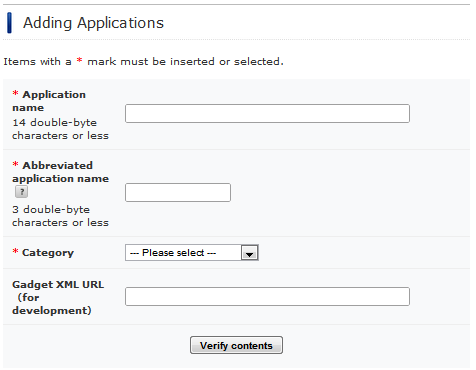
| Item | Required | Descriptio |
|---|---|---|
| Application name | Y | The title of the application |
| Shortened application name | Y | The abbreviated title of the application |
| Category | Y | The category handled in Mobage |
| Gadget XML URL (for development) | The public Gadget XML URL for the Sandbox environment |
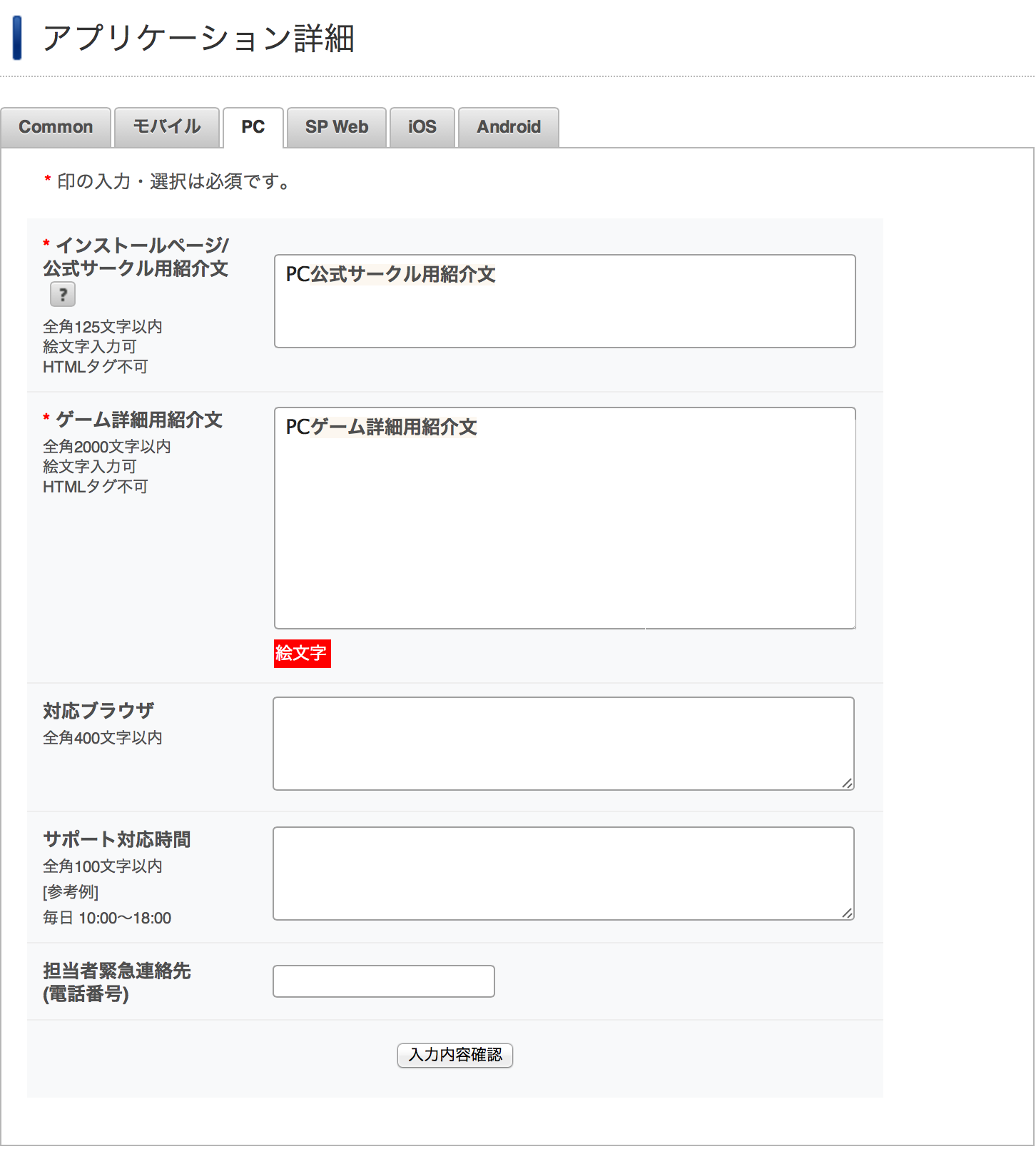
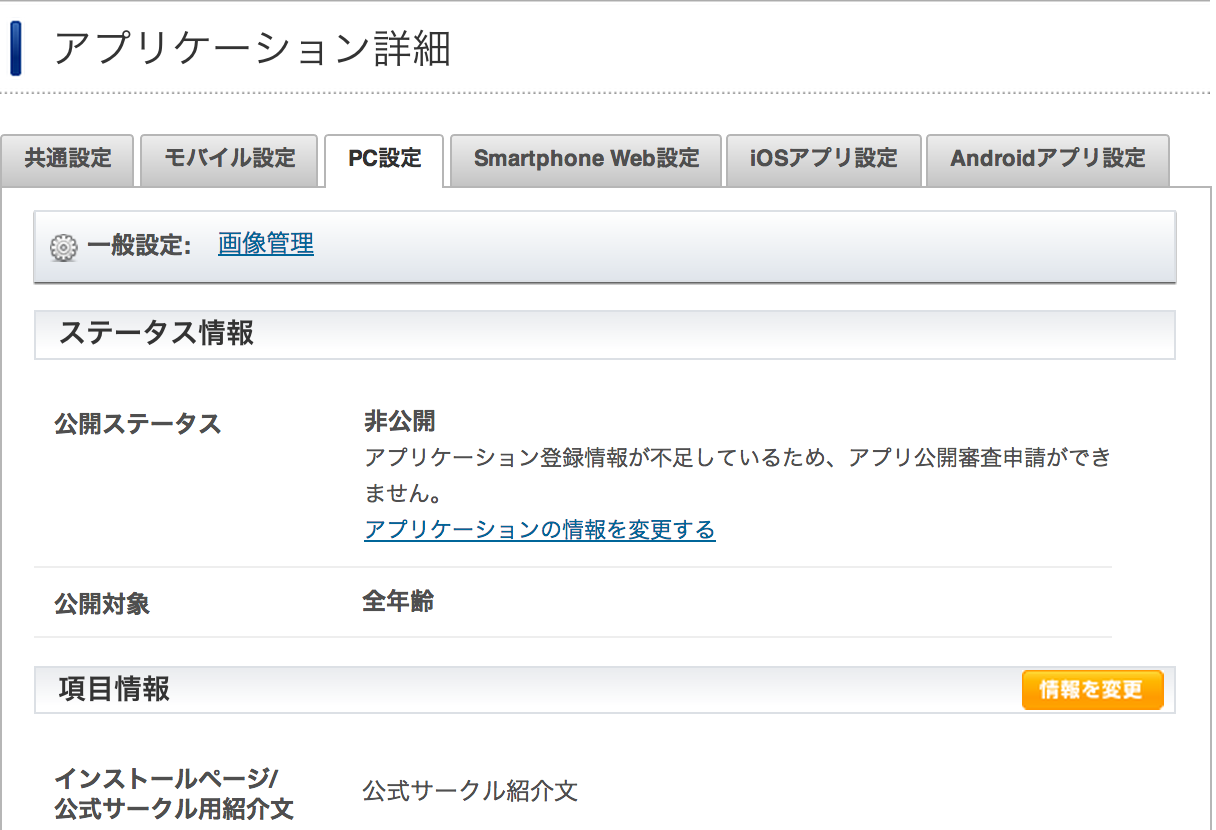
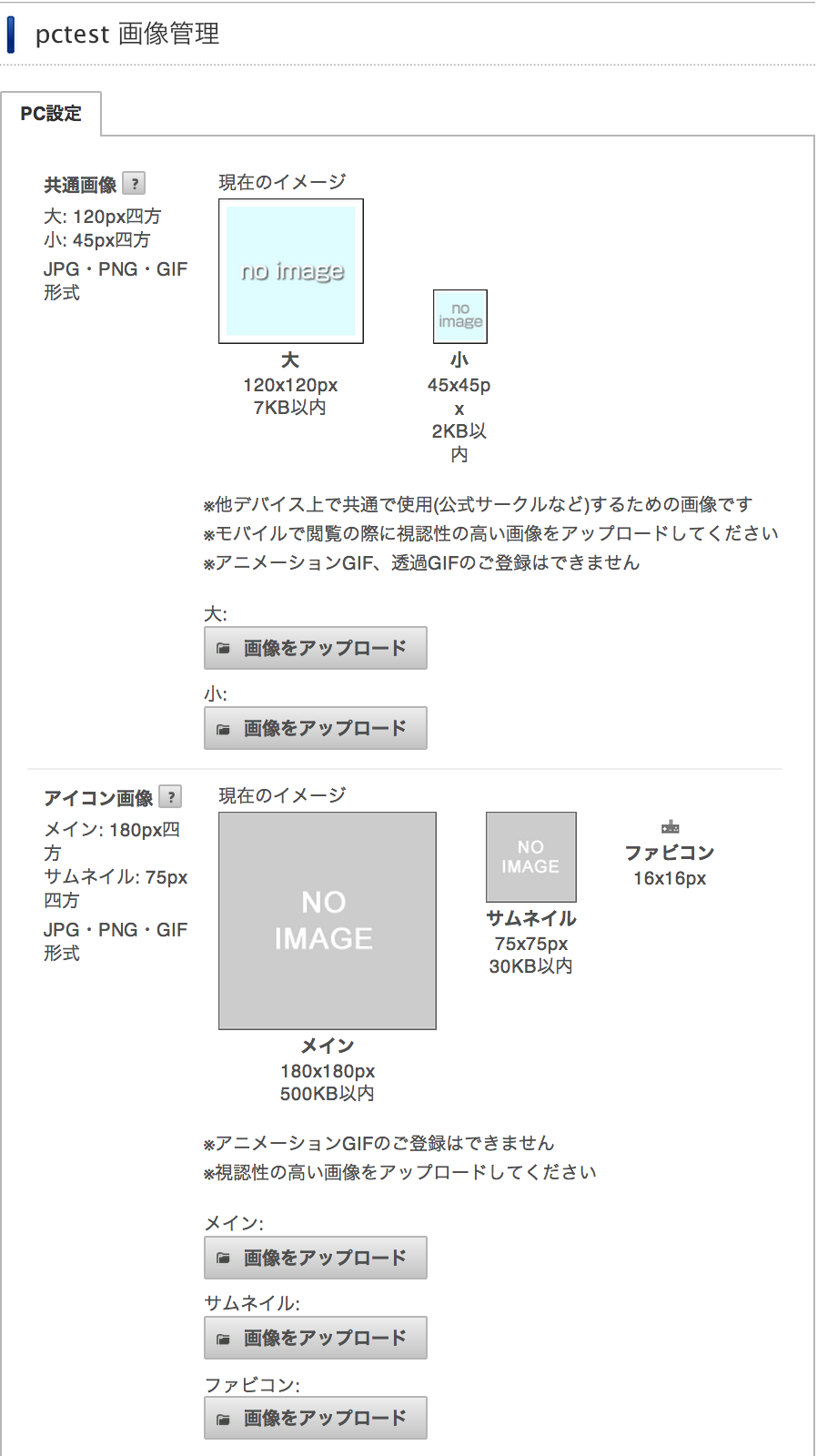
- To set "Image management" and "Change the information" in the "PC" tab.
| Item | Required | Description |
|---|---|---|
| Icon - main: 180x180px | The image displayed on the Mobage page. Please upload an image no larger than 40KB. | |
| Icon - thumbnail: 75x75 px | The image displayed on the Mobage page. Please upload an image no larger than 10KB. | |
| PC games summary | Y | A concise introduction and description of the application |
| PC games details | Y | A detailed introduction and description of the application |
"Consumer Key" and "Consumer Secret" in the "common application settings" tab of"Application settings" uses RESTful API signatures.
Revision History
- 03/01/2013
- document migration.