Checking Application Update Behavior Before Publishing to Production
Behaviors at the update can be checked in AndApp client 1.0.4 and later.
Perform the installation of the application of version code (1) lower than version code (2) of the version to be updated, from “Install for Review” on AndApp Developer Dashboard. The following download screen appears. Then download the application and install it.
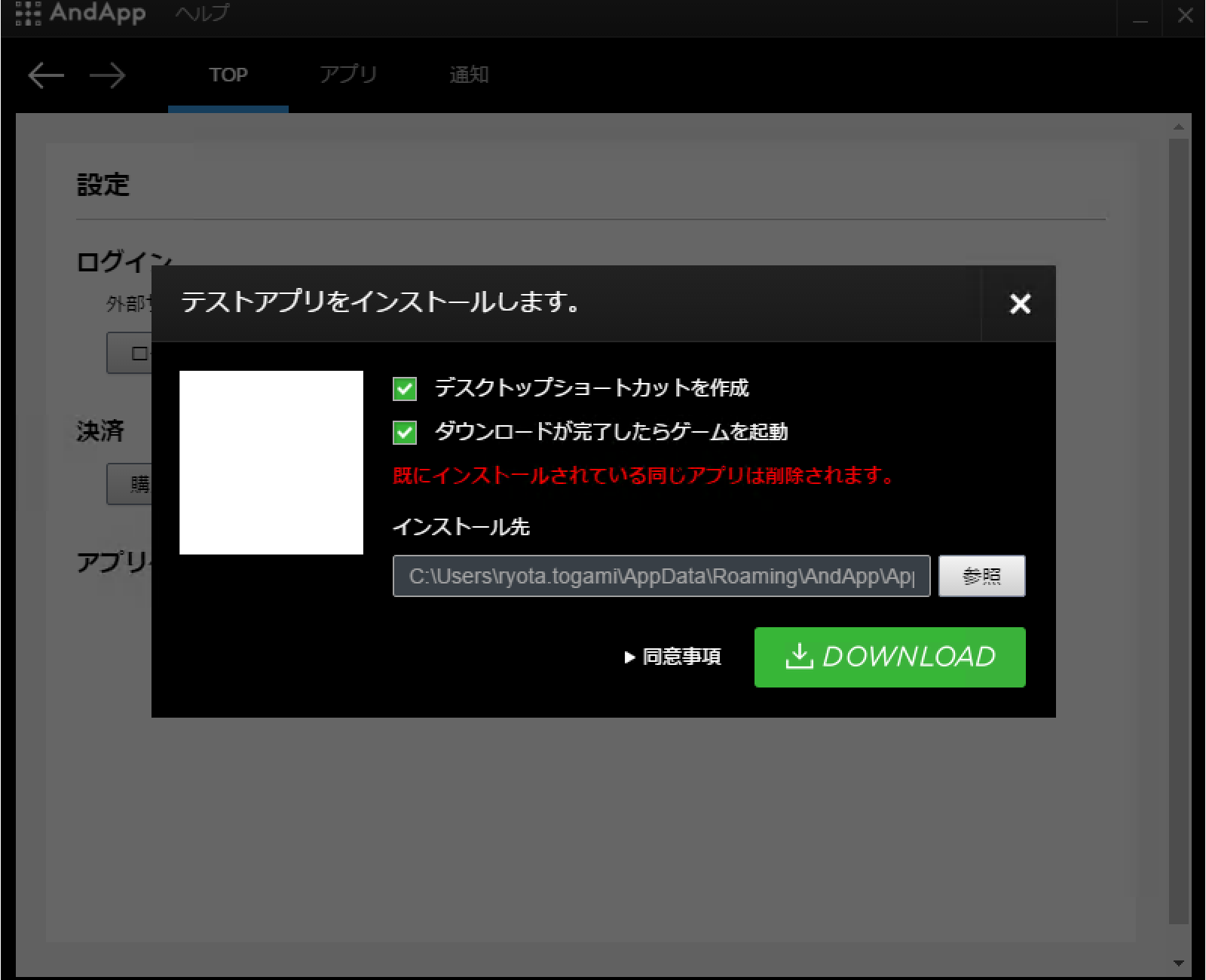
When the installation is completed, install the application of version code (2) to be updated again, from “Install for Review” on the AndApp Developer Dashboard.
The following dialog appears when the AndApp client is opened in this case. Select “Update” to update the application to the version to be updated.

If “Install New” is selected in the above dialog, the usual download window appears. In this case, the old application is uninstalled, and then the new application installation starts.
Update History
- November 29, 2016
- Update function included in AndApp client 1.0.4 and later. As a result, the contents changed completely.
- November 10, 2016
- Newly created