Reviewing Sandbox Application
Application Review Flow
You can apply for public review for the apps if the following items for them are completed under the Sandbox environment:
The following “App Public Review” screen appears, so that the public review can be applied for.
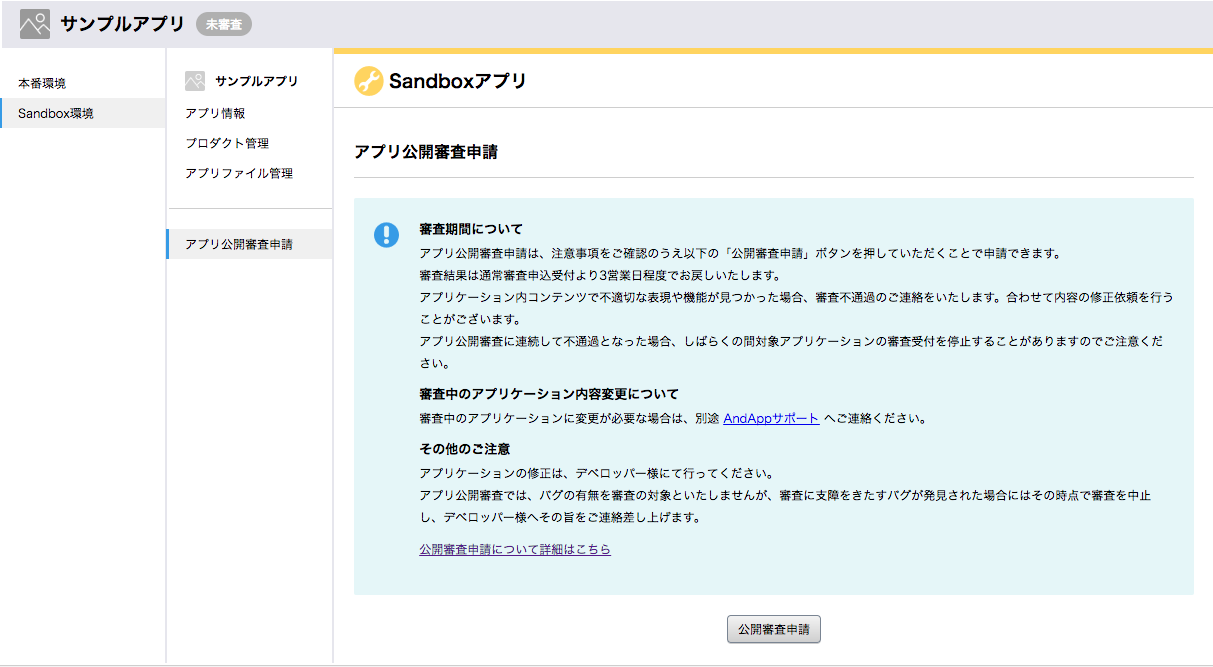
Application Review Confirmation Screen
The confirmation screen appears when clicking the “Application for Public Review” button. Click “Apply for Public Review” to apply for public review.
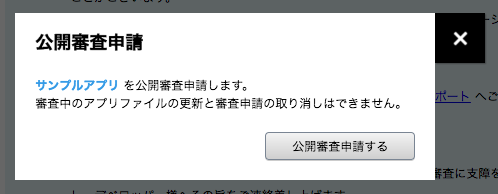
Screen during Application Review
The following screen appears during the review. Wait for a while until the result of the review returns.
A response will be given around 3 business days from the application date via e-mail.
Be aware that it may take more than 4 business days when a lot of public reviews are applied for at once.

Result of Review
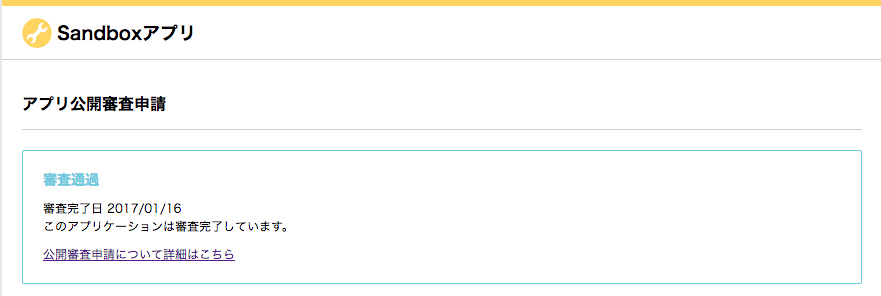
Review Passed
The screen changes to the following if the app passes the review.
Next, refer to " Flow after release after review ".
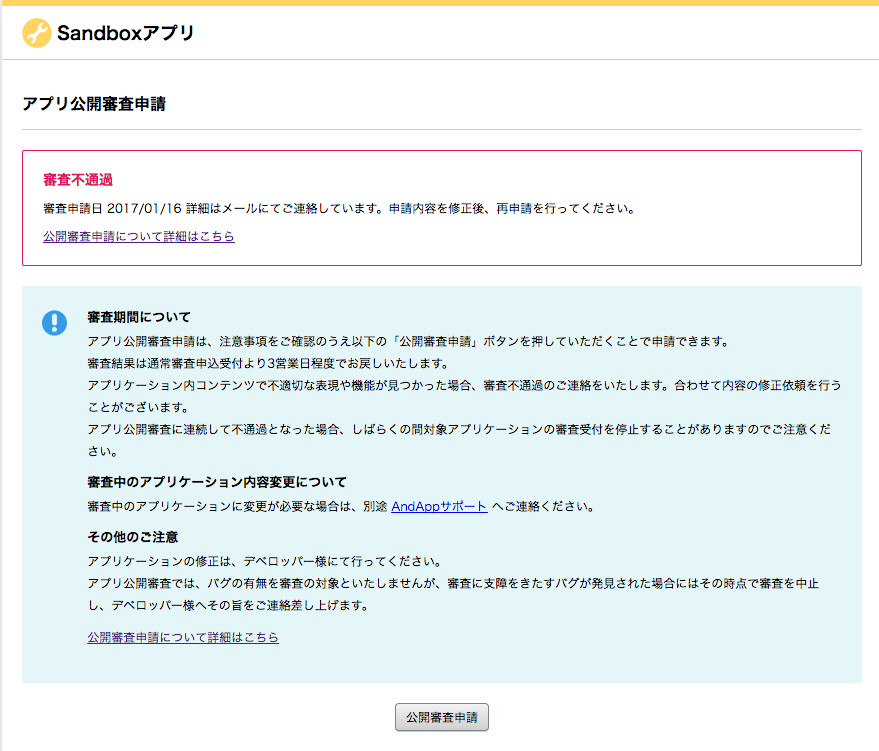
Review Failed
If the app does not pass the review, modify the contents of the application and then apply for the review again.
Check the contents in the notification e-mail for the reason that the app did not pass.
Update History
-
January 16, 2017
-
- Flow for Application Review updated
-
- Result of Review added
-
August 23, 2016
- Newly created